
Set up an affiliate program for your brand
Create a programme for your own company, accept your business invitation and prepare the portal your partners will use.
Start with your brand
Give DigLab your company name, website, work email and preferred programme name. Include the portal name you would like to use. DigLab sets up the brand programme and sends its owner an invitation.
The business workspace is affiliate.diglab.ai. Your partners use the separate programme portal supplied for your brand. A participant login for DigLab Services does not register a new brand.
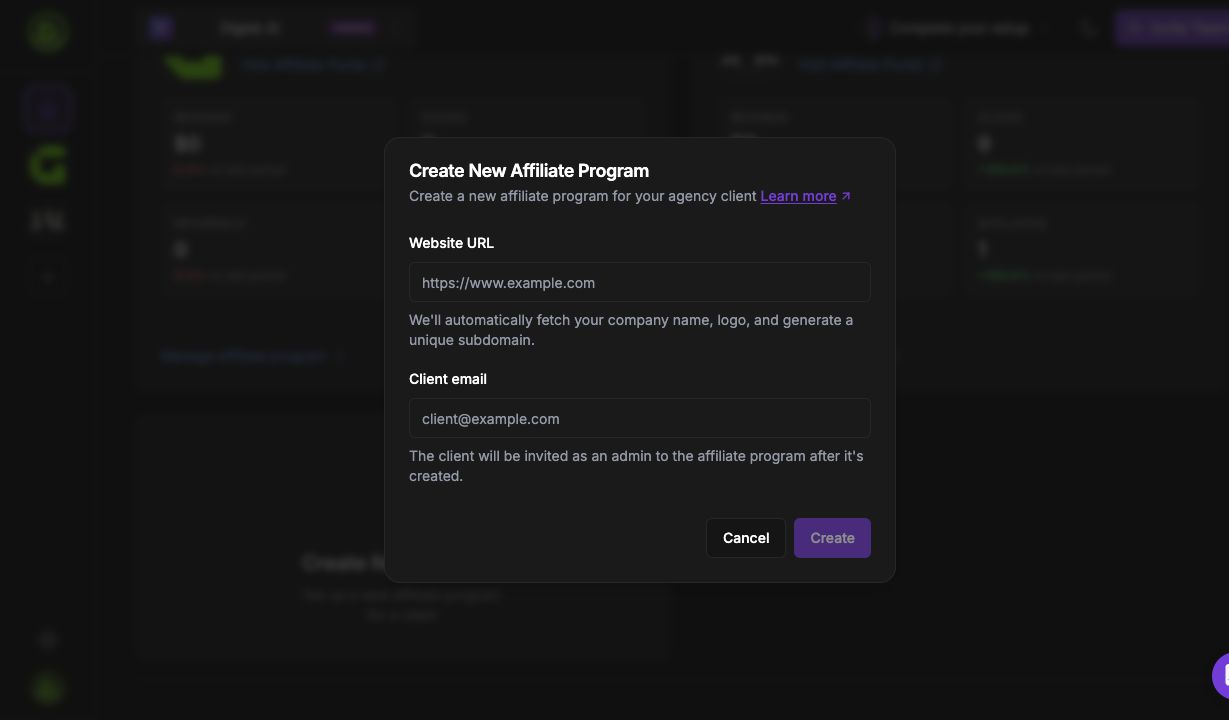
Accept your business invitation
- Open the invitation addressed to your work email and check the programme name and admin role.
- For a new account, choose Sign Up & Accept. If you already have an account, sign in and choose Accept Invitation.
- Use the exact invited email. If the link has expired, ask DigLab for a fresh invitation.
Business access is currently provisioned through an invitation. Do not use a partner registration form to create your company workspace.
Configure your programme
After accepting, open your programme dashboard. Review the brand name, landing page URLs, commission rules, approval process and payout readiness before inviting partners.
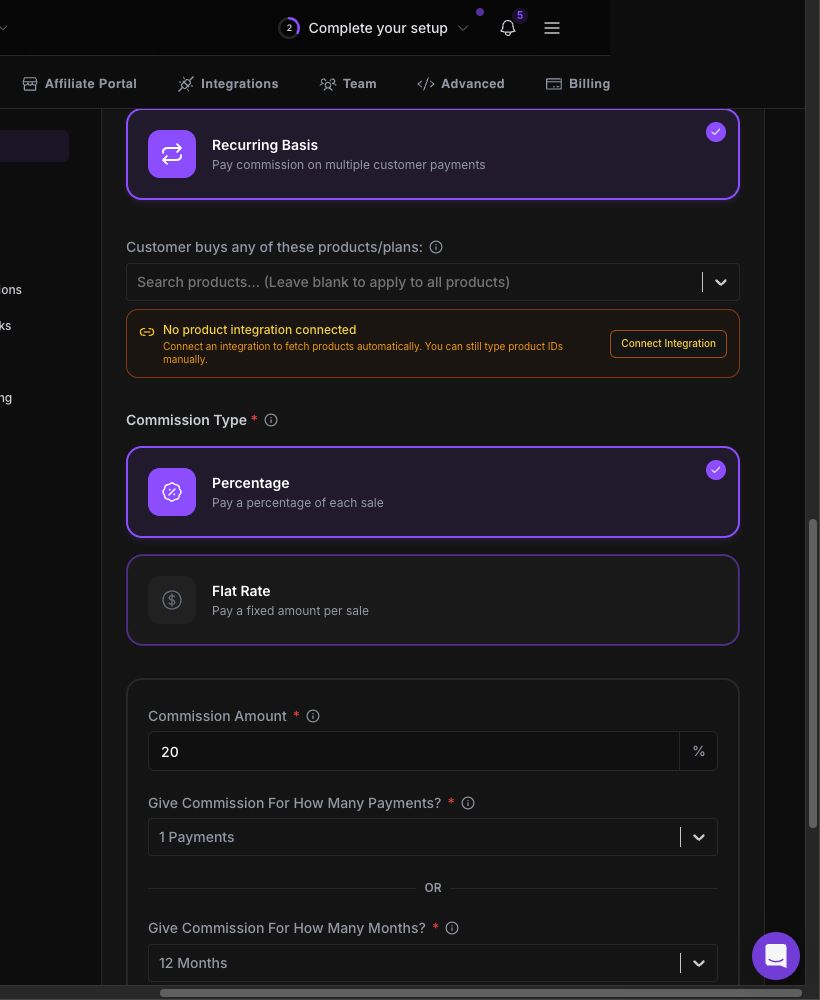
Prepare materials for your partners
Create clear titles and descriptions, choose who can access the asset, and add only approved campaign content. Check the saved asset before inviting partners to use it.
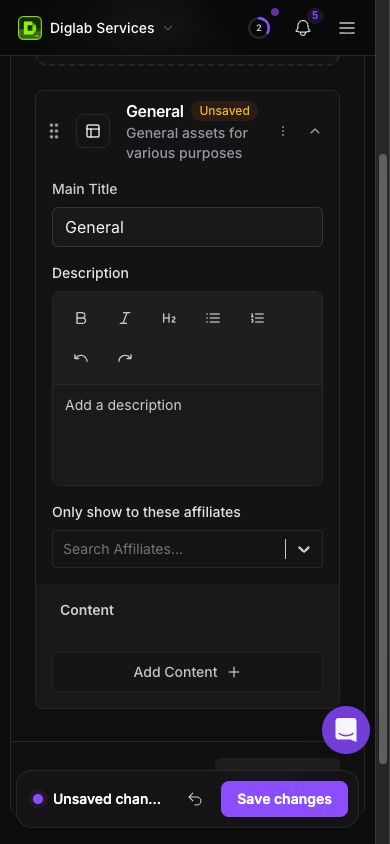
Share the correct partner portal
Your brand receives its own participant portal. A company-style address such as yourbrand.affiliate.diglab.ai is an example of that structure, subject to setup and availability. Use the exact address confirmed in your invitation or programme settings.
Ask a partner to join that programme, then verify the referral link, tracking result, approval state and payout process using the detailed guides.
Business launch checklist → · Partner first steps → · Get setup help →