
Affiliate screenshot walkthrough
Join the right programme, sign in, find marketing assets and investigate reward records using the real Affiliate screens.
STEP 01
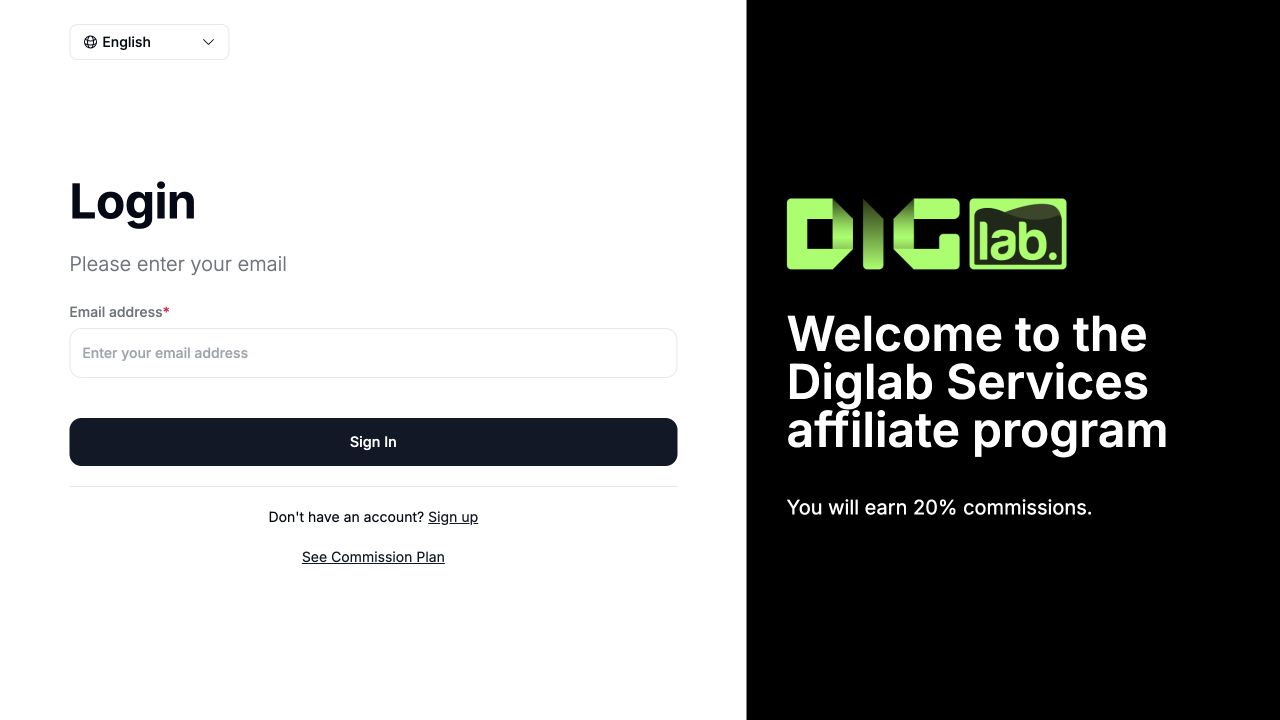
Sign in to the correct programme
Use the company portal shown in your invitation. This is the participant sign-in screen; business administrators use the customer dashboard.
STEP 02
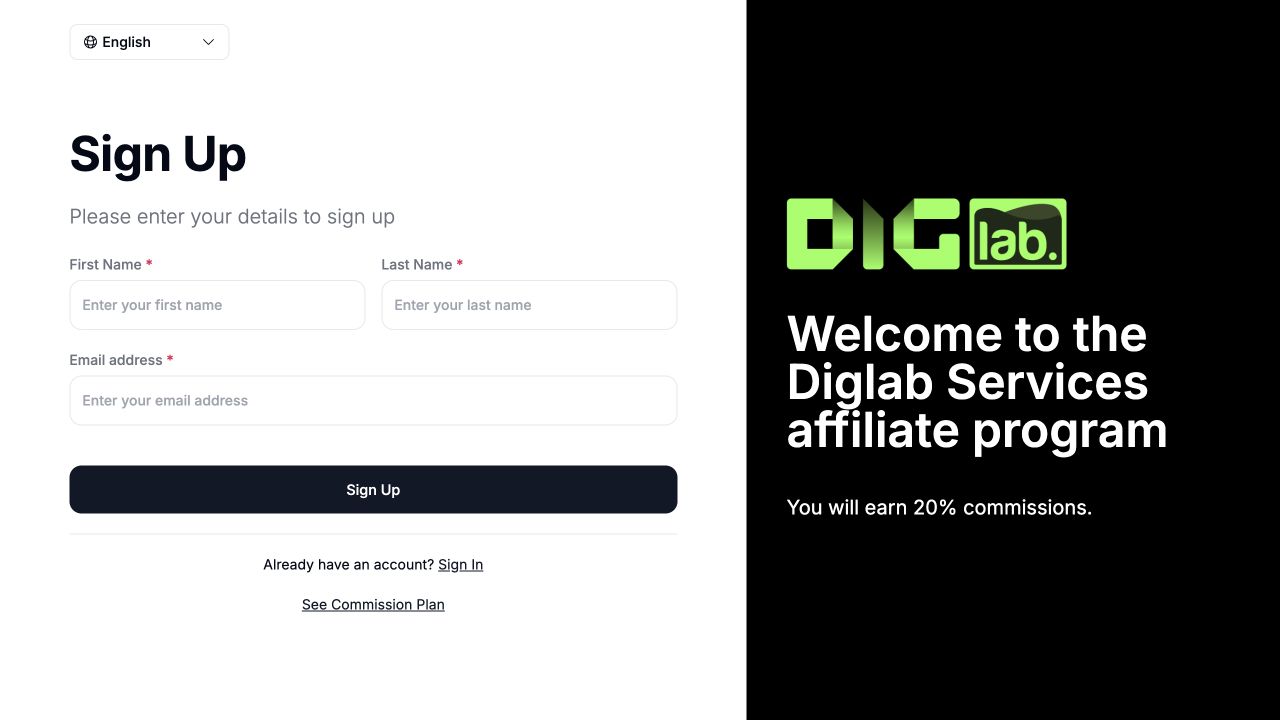
Join the programme
Choose Sign up and complete the name and email fields. Continue only with your own details and follow the verification instructions. The displayed commission is specific to this example programme.
STEP 03
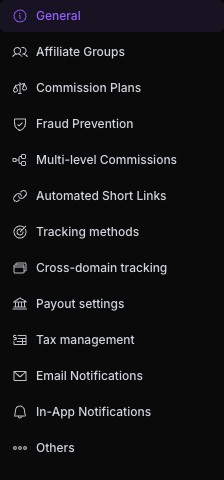
Find programme settings
Open Settings → Program Details, then choose the relevant commission, tracking or payout section. This real navigation capture was reviewed on 26 October 2026.
STEP 04
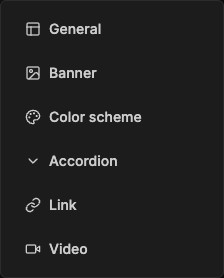
Choose a marketing asset format
Open Engage → Marketing Assets → Add Asset. Pick the format required by your campaign; opening an editor is separate from publishing. Real controls reviewed on 26 October 2026.
STEP 05
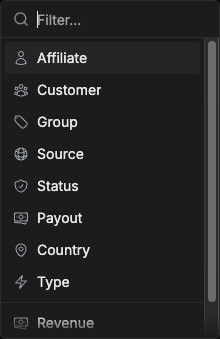
Investigate a reward
Open Manage → Rewards → Filter. Filter by the relevant status or source before reviewing a record. These controls do not approve or transfer money. Real controls reviewed on 26 October 2026.
Screenshots show interface states, not proof of a completed registration, published post, payment or connected integration. Follow the state shown in your own account.