
Review rewards and corrections
Explain a calculation, resolve a hold and avoid duplicate sales.
Reviewed 27 October 2026
Inspect before approving
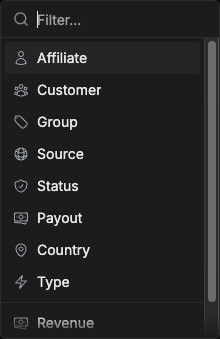
Open Manage → Rewards and filter to the intended record. Review customer, affiliate, revenue, reward, type, source, date, payout and approval status. Open the record’s calculation details where available.
Check the effective commission plan, product match, deductions and recurring limits. A reward amount should follow the event and rule, not a manually guessed percentage.
Resolve the reason for a hold
Read the specific hold reason. The official workflow distinguishes review or fraud-related conditions from the age-based payout holding period. Resolving one does not necessarily resolve the other. Review evidence before accepting or declining a reward.
For refunds, confirm the source sale and refund event before adjusting a reward. Do not approve a disputed event solely to clear an action item.
Correct without duplicating
Add Sale and Import Sales create financial records. First search existing source references and the connected integration. If a correction is required, preserve the original reference and explanation and use the supported correction workflow. Replaying an event and manually importing it can create duplicate rewards.